Export
SoundBakery can export audio clips to WAV or MP3 format, with optional effects applied. Use this to create custom sound files for use in your DAW or video editor.
On this page
Export Overview
To export a clip:
-
Select a file
Click any file in the catalog browser or click a search result card in chat.
-
Configure effects (optional)
Enable and adjust any effects you want applied to the export. The effects panel lets you audition changes in real-time before exporting.
-
Select a region (optional)
Drag on the waveform to select a specific portion of the clip to export. If no region is selected, the entire file is exported.
-
Click Export
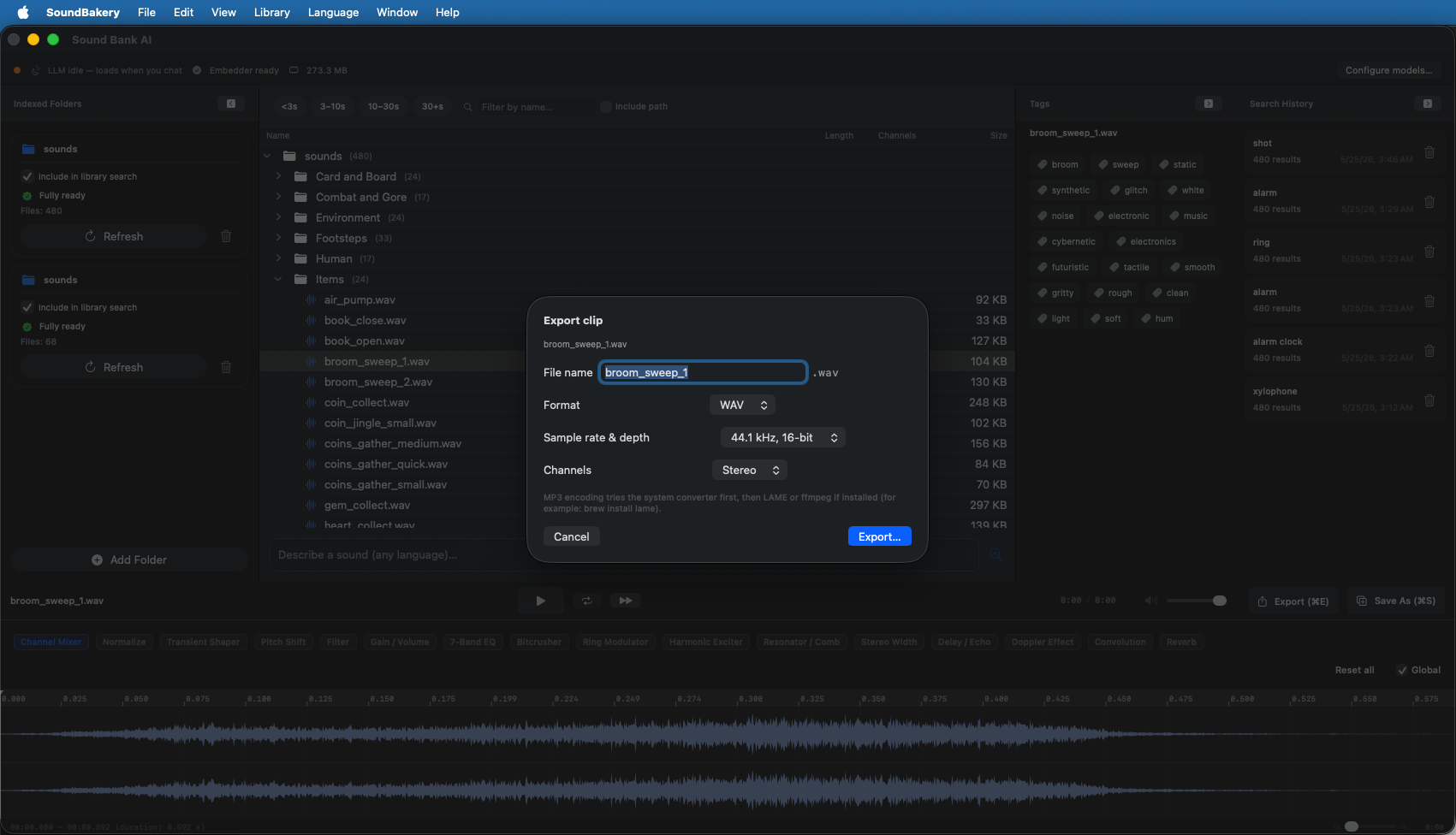
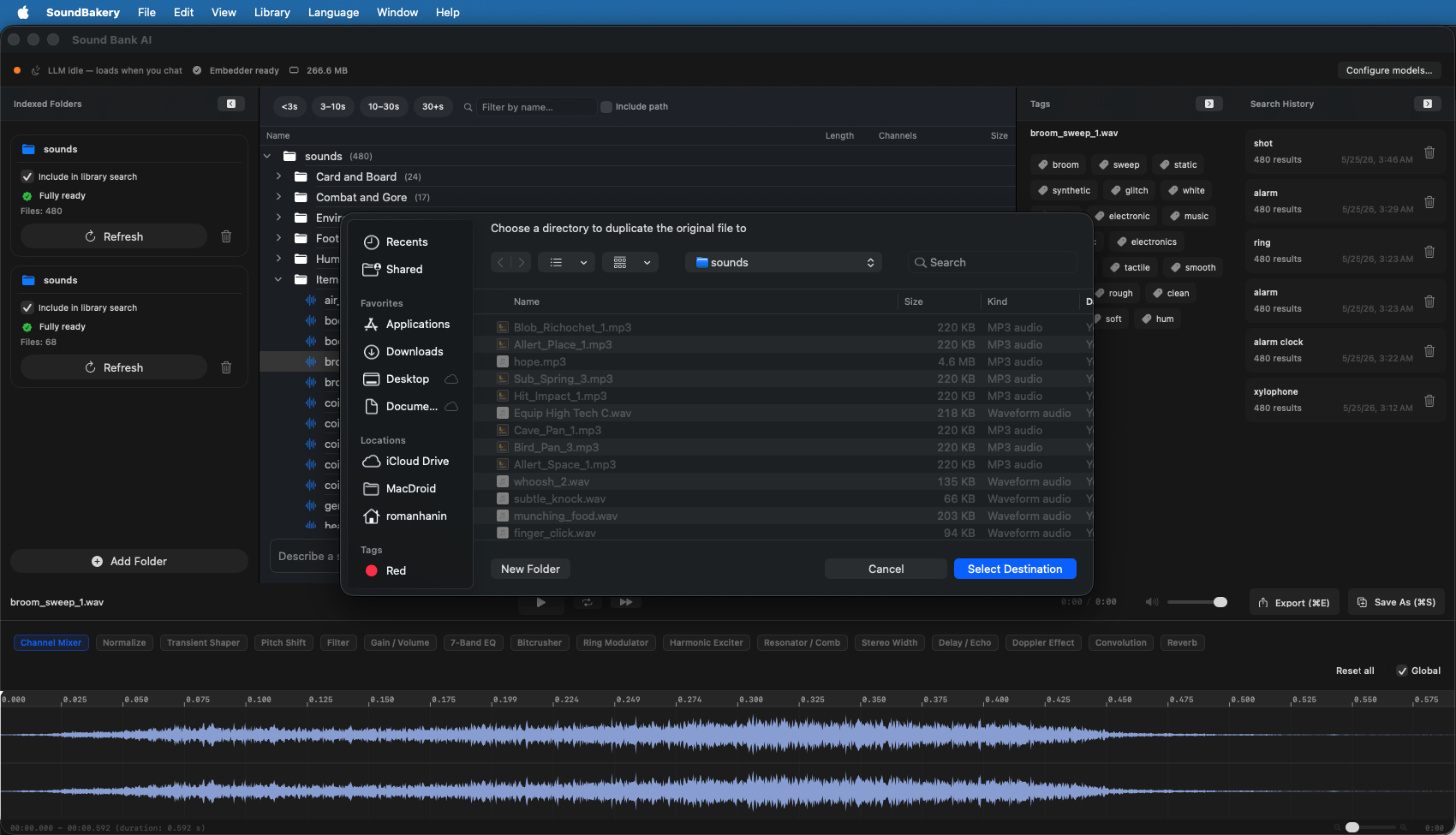
Click the export button (or right-click the file and choose Export). Choose format, quality, and destination in the save dialog.
Export Formats
| Format | Description | Quality Options |
|---|---|---|
| WAV (PCM) | Uncompressed, lossless audio. Compatible with all DAWs and video editors. |
Sample rates: 22.05, 32, 44.1, 48, 96 kHz Bit depth: 16-bit |
| MP3 (compressed) | Compressed audio with smaller file sizes. Good for quick sharing or when storage is a concern. |
Bitrates: 128, 160, 192, 256, 320 kbps Sample rate: 44.1 or 48 kHz |
Use WAV when quality matters and you plan to use the file in production (48 kHz / 16-bit is the standard for video and game audio). Use MP3 for quick drafts, email sharing, or when file size is a concern.
Region Selection
You can export only a portion of a clip by selecting a region on the waveform:
- Click and drag on the waveform to highlight a region.
- Adjust handles — Drag the edge handles to fine-tune the selection.
- Clear selection — Click outside the selected region to clear it and export the full file.
This is useful for extracting a specific hit, loop, or section from a longer recording.
Channel Options
The channel mixer allows you to convert between mono and stereo during export:
- Mono — Sum stereo to a single channel (1-channel output).
- Stereo — Keep both channels (2-channel output).
The channel mode is selected in the export dialog alongside format and quality settings.
Any effects enabled in the effects pipeline are permanently applied to the exported file. The original file on disk is never modified.