Troubleshooting
Common issues encountered while using SoundBakery and their solutions.
On this page
Model Issues
Model download fails or is very slow
- Check your internet connection. Models are downloaded from HuggingFace Hub.
- If the download stalls, restart SoundBakery. Downloads resume from where they left off.
- On corporate networks, HuggingFace may be blocked. Try using a VPN or switch to Remote Provider mode.
- Models are cached at
~/Library/Caches/huggingface. You can delete this folder to force a fresh download.
Out of memory when loading a model
- Switch to a smaller model. Qwen3-1.7B uses 1.5 GB RAM; Qwen3-4B uses 4.5 GB.
- Close other memory-intensive applications before launching SoundBakery.
- Consider using Remote Provider mode if your Mac has limited RAM.
- Check Activity Monitor to see memory pressure before loading models.
"Model not found" error
- Re-run the Setup Wizard and re-download the model.
- Check that the HuggingFace cache folder hasn't been deleted by a cleanup tool.
- Verify disk space is sufficient for model storage.
Indexing Problems
No files found when adding a folder
- Verify the folder contains supported audio formats (WAV, MP3, AIFF, CAF, FLAC, M4A).
- Check that files are not hidden or excluded by macOS permissions.
- Sandbox restrictions may apply — ensure the app has permission to access the folder.
Indexing is very slow
- First-time indexing of large libraries takes time. Each file goes through multiple ML passes.
- CNN tagging and LLM expansion are the slowest steps. Subsequent re-indexes are faster (only new/modified files are processed).
- Try using the Apple Foundation tagger instead of the CNN — it may be faster for your library.
- Indexing runs in the background. You can continue using other app features while it works.
Indexing failures with errors
- Corrupted audio files may fail to process. The error log will identify the problematic file.
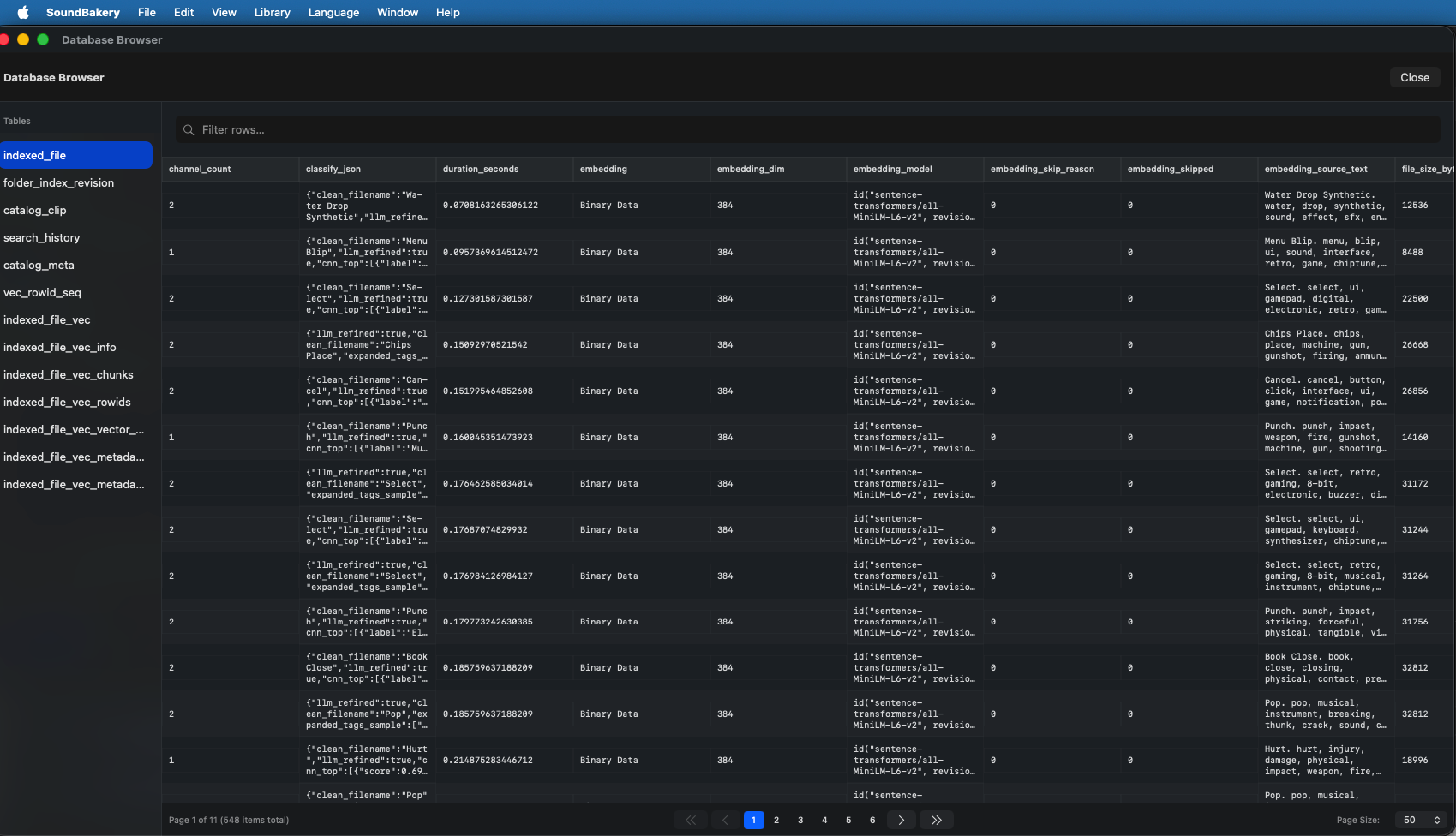
- Check the Indexing Log (accessible from the menu) for detailed error messages.
- The Diagnostics panel shows which pipeline step failed (CNN, LLM, or embedding).
- Right-click the folder and choose Re-index to retry failed files.
Search & Chat Issues
Chat responses are slow
- If using local MLX, the first message may be slow due to model loading. Subsequent messages are faster.
- Try Qwen3-1.7B instead of Qwen3-4B for faster responses.
- If using a remote provider, check your network latency and server load.
- Long conversations may trigger automatic compaction — the first message after compaction may take slightly longer.
Semantic search returns poor results
- Ensure indexing completed successfully. Files without embeddings cannot be searched semantically.
- Try re-indexing with a different audio tagger (switch between CNN and Apple Foundation).
- Adjust the precision slider in the filter bar to include more results.
- Use more descriptive search terms. Instead of "sound," try "deep resonant bass with long decay."
- The chat assistant can help refine queries — ask it to help describe what you're looking for.
Chat assistant doesn't understand queries
- Be specific: "find me glitchy percussion under 2 seconds" works better than "sounds."
- If the assistant keeps treating search queries as chat (or vice versa), clarify: "I mean search for files, not talk about it."
- Use
#clipIdreferences to refer to specific files in the conversation.
Performance Tips
- Use the smallest model that meets your needs. Qwen3-4B is powerful but uses significantly more RAM than Qwen3-1.7B.
- Close other apps when indexing large libraries to free up memory for ML processing.
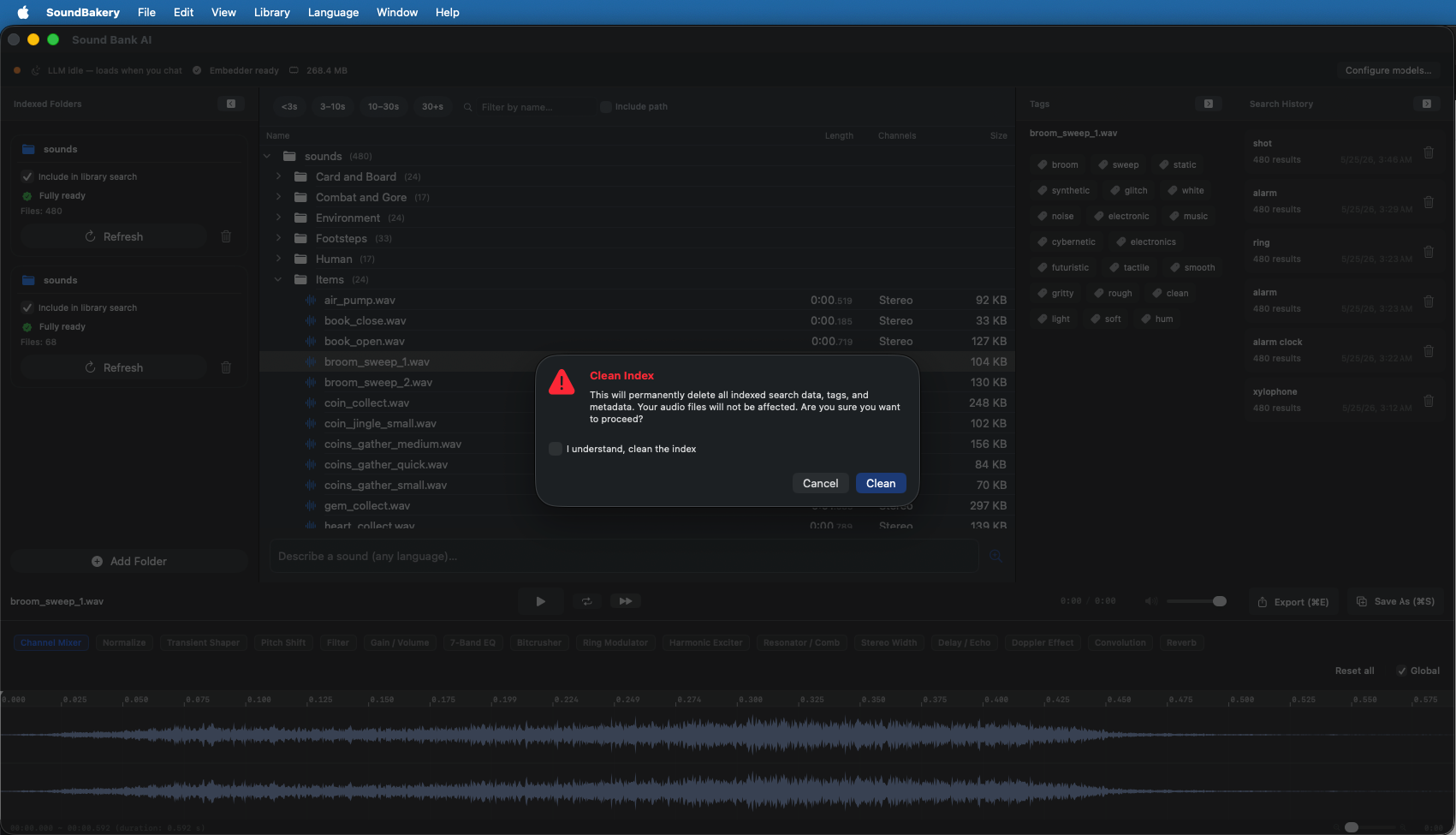
- Periodically clean your index to remove stale data and optimize the database.
- Use search history to revisit past results instead of re-running the same searches.
- The LLM unloads when idle to save memory. If you plan to use chat frequently, send a message periodically to keep it loaded.
- For large libraries (10,000+ files), consider using the Apple Foundation embedder which is optimized for Apple Silicon.
Frequently Asked Questions
Does SoundBakery send my audio files anywhere?
When using In-App AI (Local MLX) mode, no data ever leaves your Mac. Audio files are processed entirely on-device. When using Remote Provider mode, file metadata (tags and descriptions, not raw audio) may be processed by the remote server per the provider's privacy policy.
Can I use SoundBakery on an Intel Mac?
Local MLX models require Apple Silicon (M1 or newer). Intel Macs can use Remote Provider mode to connect to an external server. Alternatively, run LM Studio locally on your Intel Mac and connect SoundBakery to it as a remote provider.
How do I backup my index database?
Use File → Database Maintenance → Backup Database. The database is stored at ~/Library/Application Support/com.honeycake.SoundBakery/catalog.sqlite.
Can I share my index between multiple Macs?
The index database is tied to the specific file paths on each machine. You can copy the database file, but folder paths must match for it to work correctly.
How do I change the UI language?
Open Preferences → Language and select from the available languages. The UI updates immediately. See the Languages page for the full list.
My antivirus/firewall is blocking HuggingFace downloads
Models are downloaded from huggingface.co. If blocked, either whitelist the domain or switch to Remote Provider mode with your own model server.